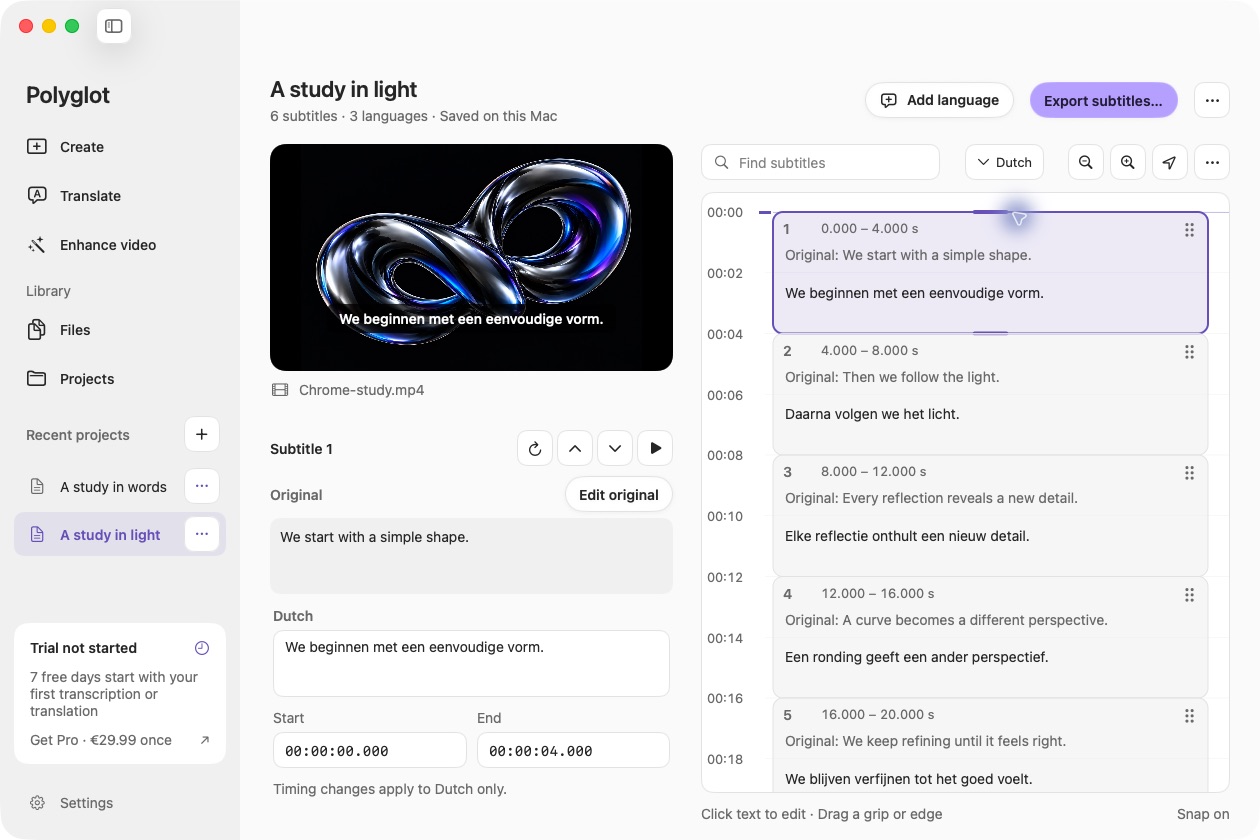
Complete and review a translation
Open a saved track from Files, or import an SRT or VTT through Translate. Start with media or an existing SRT or VTT, select a target language and finish the translation. Review the source and translated wording together. Incomplete tracks cannot be delivered as a completed bilingual export.
Choose the language order
Open Export, select SRT or WebVTT and choose a completed translation. Enable Include original and translation together. Put the original first, or switch the order; each cue contains one line for each language.
Check both lines in context
Save the bilingual file or export all completed languages as separate source-and-translation pairs. Each pair matches text by cue ID and uses the selected translation’s timing, including any manual adjustments. Long text can wrap in the player, so check readability on the actual screen. Bilingual export uses plain text, without styling or burn-in.
 Polyglot