 Polyglot
Polyglot features
Your files.
More possibilities.
Create from a recording. Translate existing subtitles. Find every saved track in Files, manage its context in Projects, and prepare footage in Enhance video.
Download nowApple Silicon · macOS 14.4 or later · 7-day free trial
Generate subtitles
Turn recorded speech into editable subtitles. Generate a draft on your Mac, check every line, and export an SRT file for your editor or player.
Explore the feature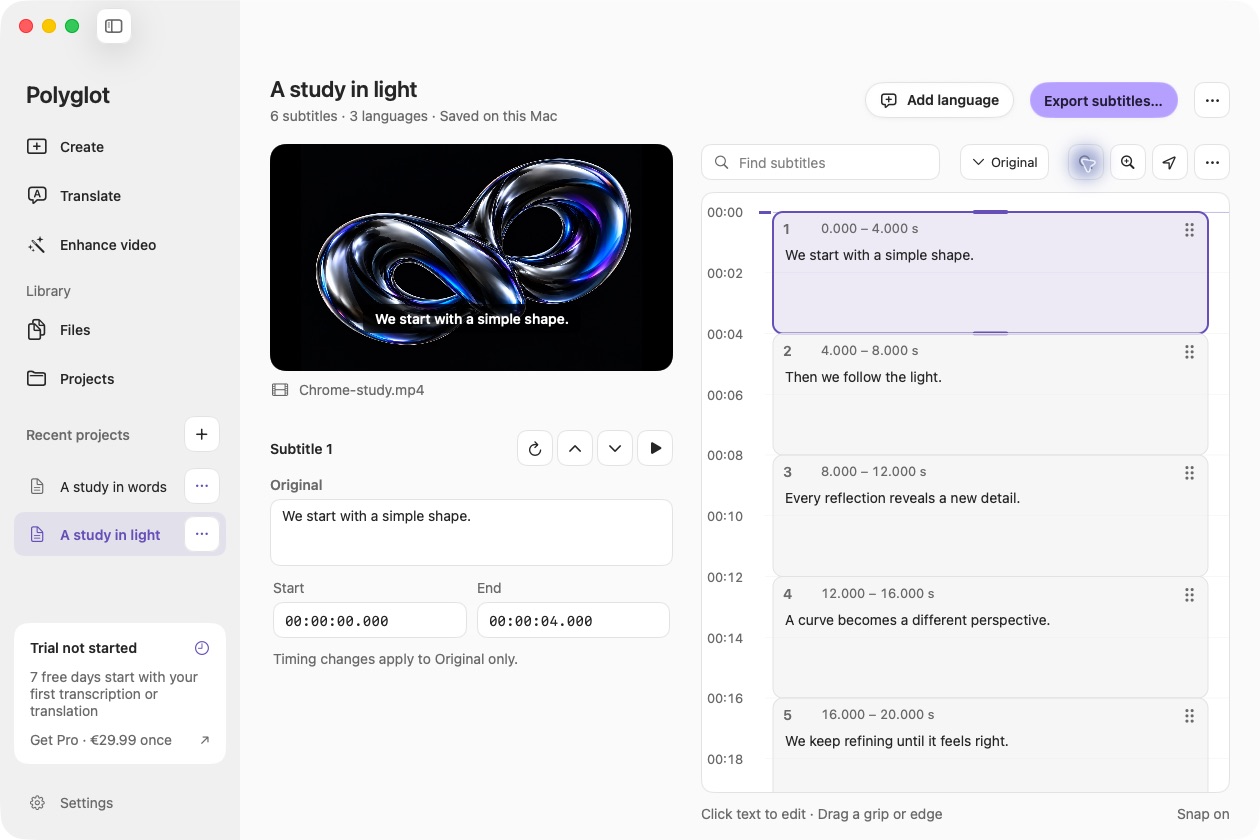
Translate subtitles
Translate a recording’s subtitles into the languages your audience speaks. Start with media, a saved project, or an existing SRT or VTT file.
Explore the feature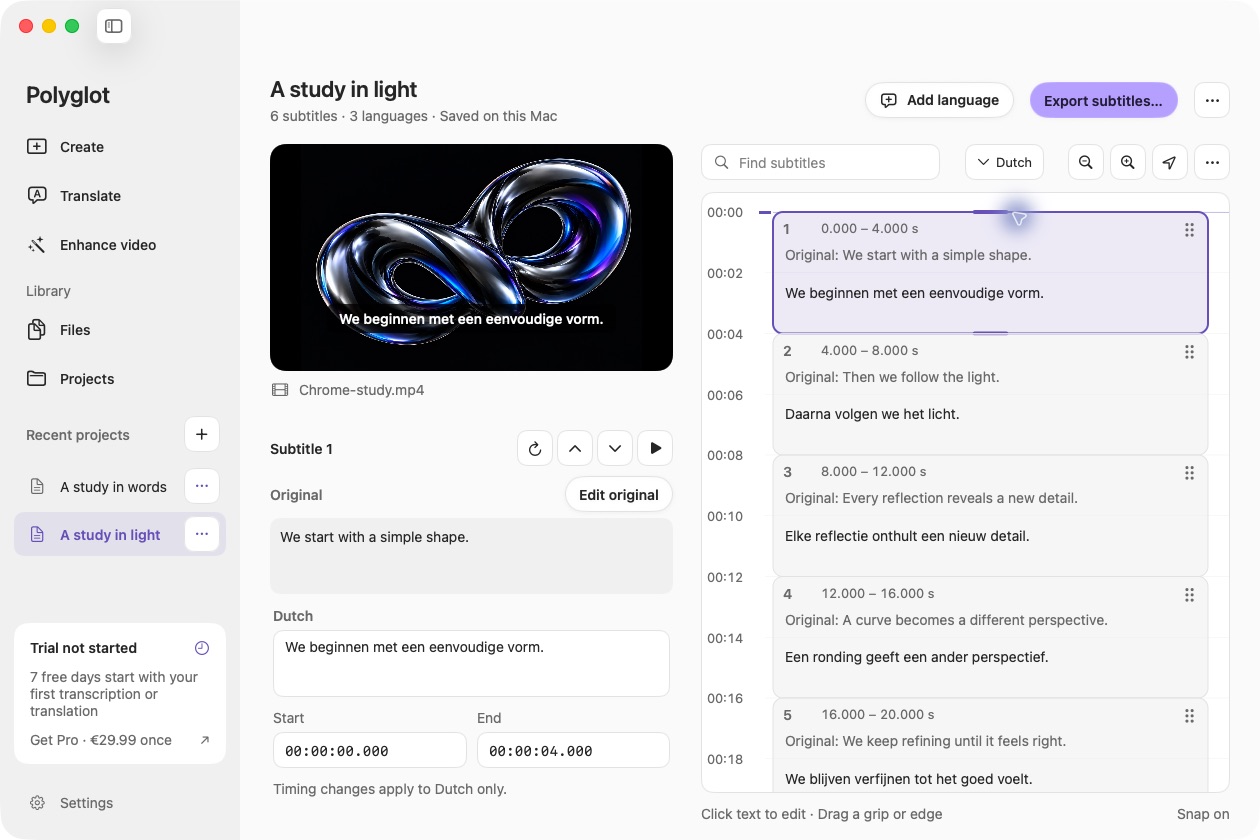
Translate SRT files
Open the subtitles you already have. Choose one or more languages, translate locally, and export a separate SRT for each audience. No video required.
Explore the feature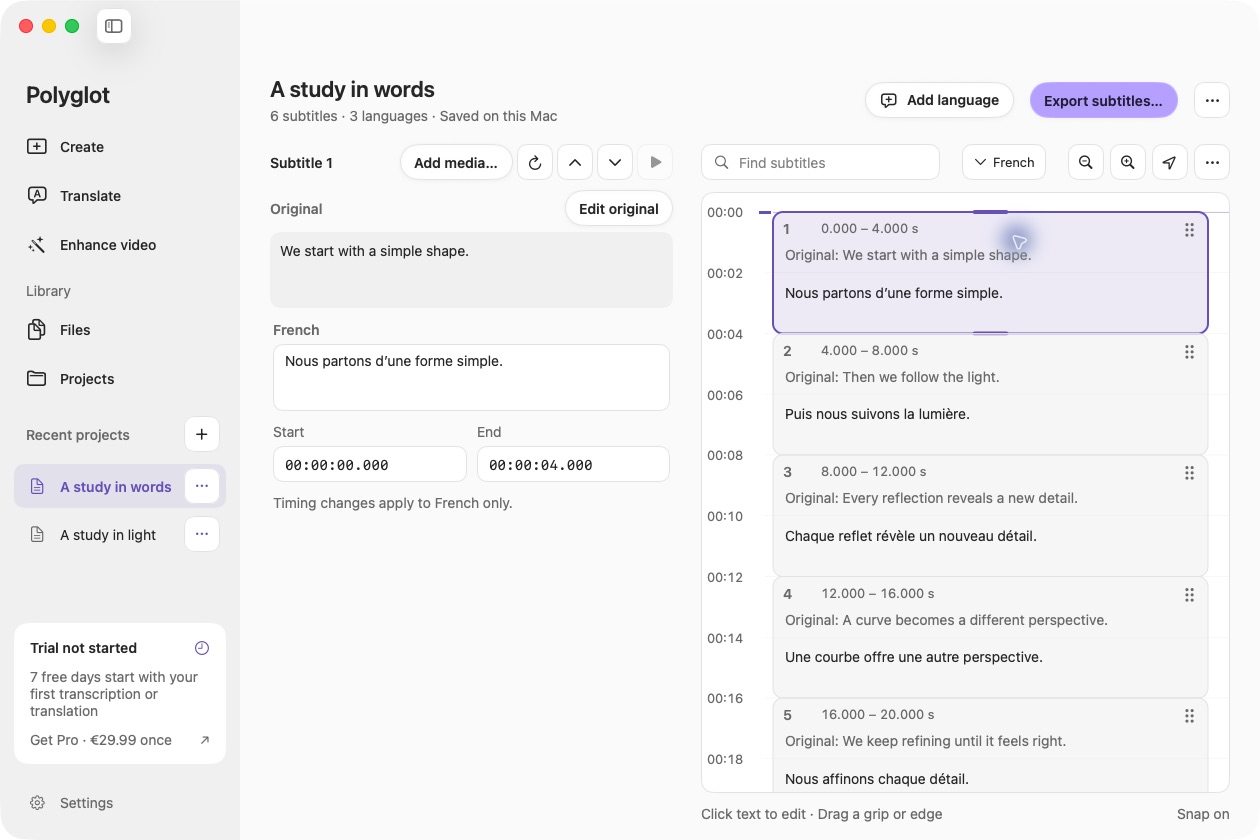
Files & projects
A clear home for the subtitles you create and import. Find every saved track in Files, and manage each recording and its languages in Projects.
Explore the feature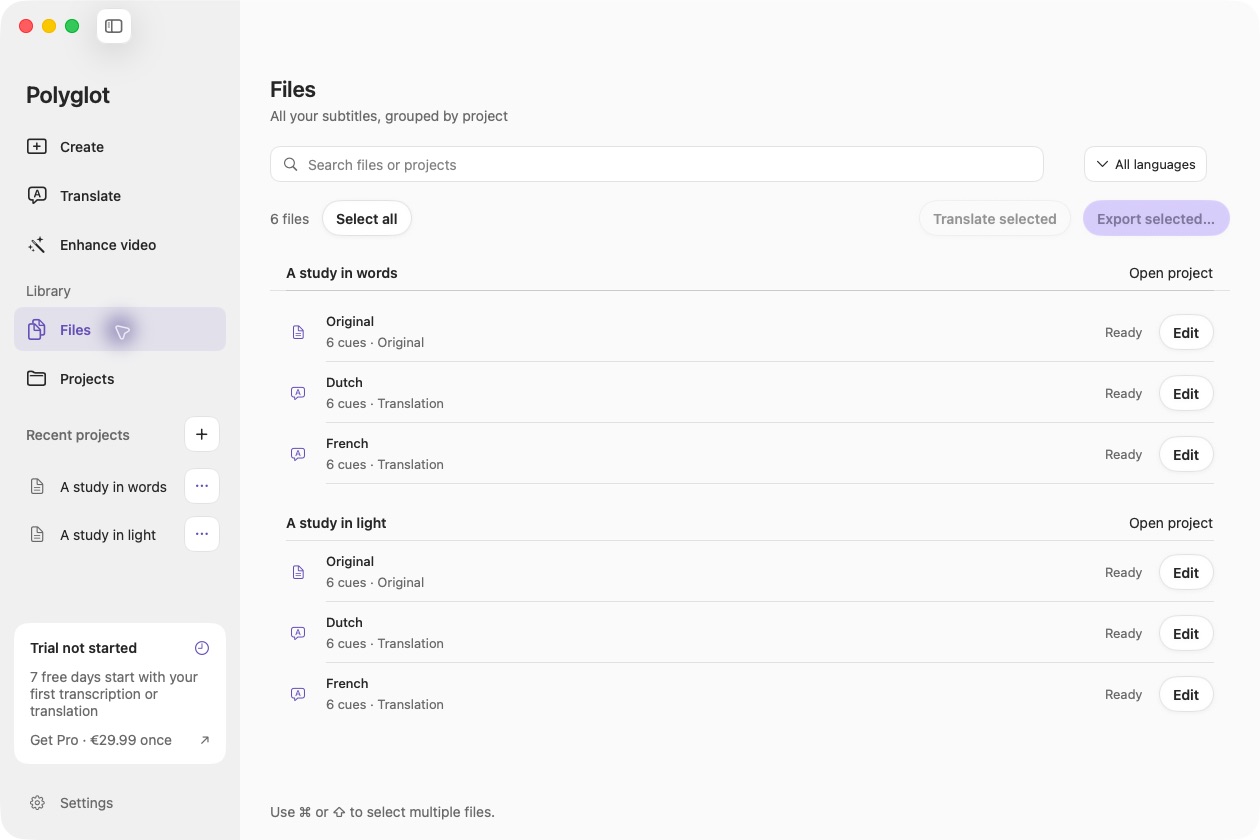
Transcribe audio & video
Turn interviews, lectures and recordings into text you can review alongside the source. Transcription runs locally on your Mac.
Explore the featureEdit & export subtitles
Make the last pass on your subtitles. Edit words directly in the timeline, compare them with the original, and adjust each language’s timing.
Explore the featureConvert SRT & VTT
Open an SRT or WebVTT file and export the format your editor or player needs. Convert locally, with no video or AI model required.
Explore the featureExport readable transcripts
Take your reviewed words into notes, documents and editing workflows. Export plain text or copy it, with timestamps when you need a way back to the recording.
Explore the featureCreate bilingual subtitles
Put the original and a translation together in each subtitle cue. Useful for language study, translation review and audiences who want both lines.
Explore the featureAdjust subtitle timing
When every subtitle is early or late by the same amount, move the whole track. Keep the words and cue lengths while adjusting their place in time.
Explore the featureEnhance & upscale video
Refine your video with local controls and optional AI enhancement. Compare a short preview before committing to the full export.
Explore the feature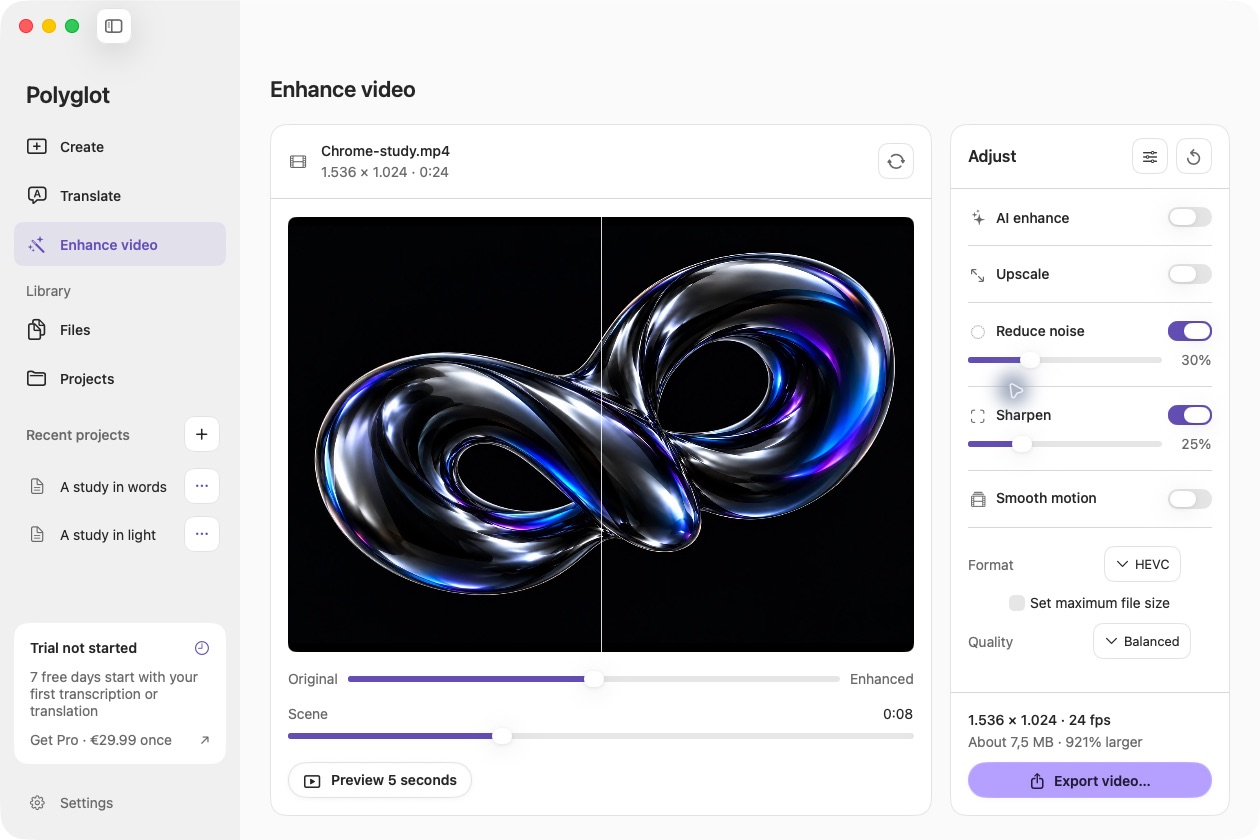
Compress video
Set a maximum size in megabytes, choose your export settings and save a new MP4. Polyglot checks the completed file before delivering it.
Explore the featureImport video links
Bring a supported video into your local subtitle workflow. Download the recording first, then transcribe, translate and review it on your Mac.
Explore the feature