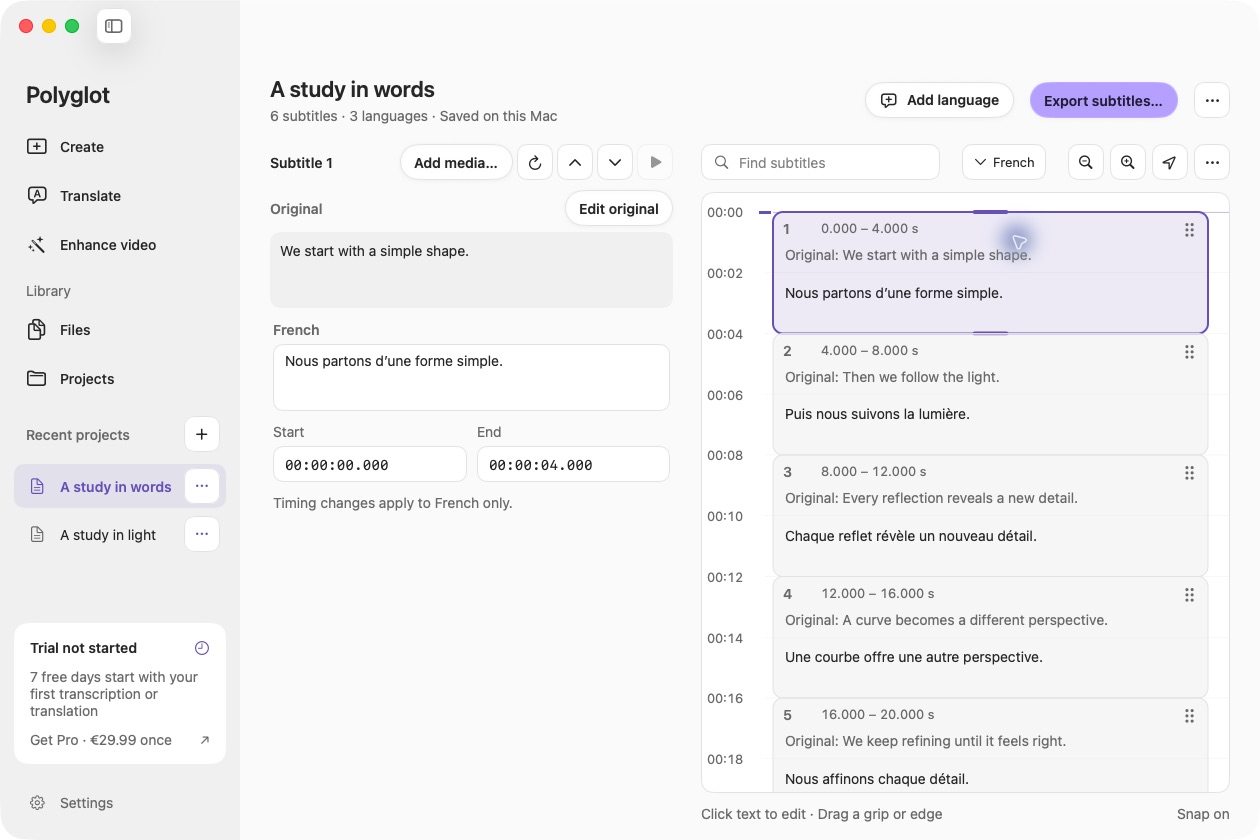
Open the subtitles you have
Open a saved track from Files, or import an SRT or VTT through Translate. SRT accepts UTF-8 and UTF-16; WebVTT accepts UTF-8. Import validates the document before replacing your current workspace. Invalid timing or missing text produces an error instead of a partial import.
Keep the timing, review the presentation
The conversion preserves millisecond cue timing and overlap. SRT numbering is preserved within SRT; arbitrary WebVTT identifiers are retained for VTT export and receive numeric IDs in SRT. WebVTT styling, regions, positioning and inline timestamps are flattened with a notice before import.
Export SRT or WebVTT
Open Export, choose SRT subtitles or WebVTT subtitles, and save a new file. You can also edit wording, translate into multiple languages or explicitly shift every cue. Conversion runs without an AI model and remains free after the trial.
 Polyglot