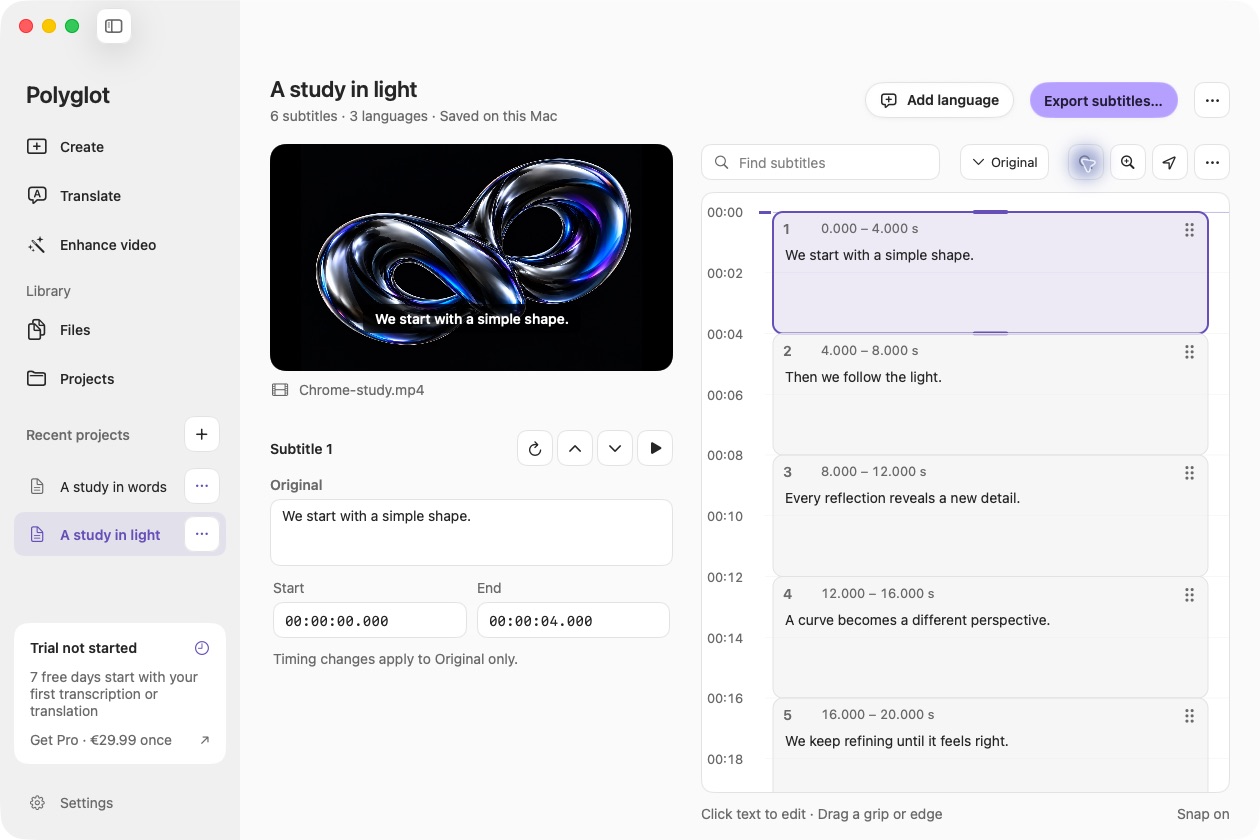
Start with reviewed text
Open a saved track from Files, or import an SRT or VTT through Translate. Transcribe supported audio or video, import an SRT or VTT, or reopen a project. Check names, numbers and meaning in the editor. You can choose the original track or a completed translation for export.
Choose how much timing to keep
In Export, select Text transcript. Without timestamps, subtitle lines become readable paragraphs, with breaks around longer pauses. With timestamps, each cue starts with its time so you can find that moment again. Subtitle markup is removed.
Copy or save the transcript
Use Copy text to place the transcript on your clipboard, save a UTF-8 TXT file, or export all completed tracks into a new folder. Exporting existing text is always free. Formatting in your destination document remains yours to choose.
 Polyglot