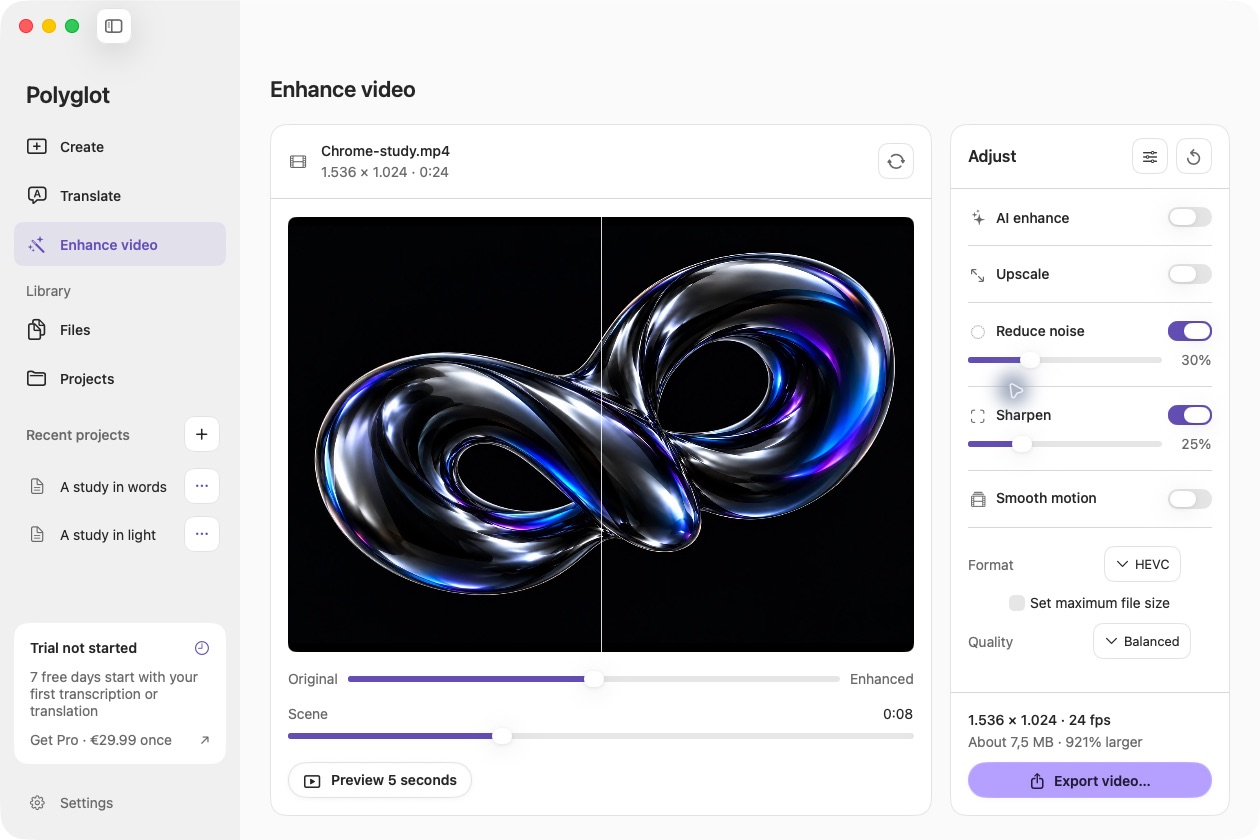
Start with the scene you have
Open Enhance video and load a supported video. Inspect a representative scene, then adjust resolution, noise, sharpness and motion individually. A larger output resolution does not automatically reveal genuine detail absent from the recording.
Choose the right local model
Optional enhancement models include compact Real-ESRGAN models, an anime-focused model and SeedVR2. They download separately and run on your Mac. SeedVR2 requires at least 16 GB memory and can be slow; these frame-based models may introduce flicker or invented detail.
Preview motion, then export
Check faces, fine texture, text, camera movement and scene changes in a short rendered preview. Export a new SDR MP4 when the result suits your footage. The original remains unchanged. No single model improves every recording.
 Polyglot