 Polyglot
The Polyglot journal
Which Zoom recording should you caption after live interpretation?
A French caption file can read perfectly and still appear before the French interpreter speaks. Start by finding out which voice made it into the replay. That determines both the words to write and the clock to follow.
Polyglot 1.11 · Prepared sample project
Ask for the replay the audience will receive
Suppose a museum hosts an English talk with live French interpretation. The editor receives the slides, an English transcript and a request for “French captions.” Ask the producer to play the intended replay with you. Will a French-speaking visitor hear the interpreter, or hear the English lecturer while reading a translation? Write that choice beside the filename and edit date. The two versions can use different words at different times.
Use a session you have permission to edit and distribute, including the interpreter’s contribution. Ask the host for the approved recording files through the project’s usual private handoff. A link that let attendees listen live tells you little about which audio the host saved.
Find out what Zoom captured
For a computer recording, Zoom describes a single listening perspective. The recording captures what the person making it could hear. If the recorder listened to the English floor throughout, the file contains that mix even if other attendees chose French. If the recorder listened to the interpreter, audition the result for a quieter original voice underneath and for any channel changes.
For a cloud recording, ask the host to check the files from that session. Zoom’s cloud settings distinguish “Record language interpreter” from recording separate participant audio. With interpreter recording enabled, Zoom says it creates an audio file for each language interpretation. A folder of participant files alone does not establish which file carries the French program. Listen to the candidate file before assigning it to a caption editor.
If you only receive the English mix, request the saved French interpretation from the host. If it is unavailable, the producer can still commission translated subtitles for the English replay. Label that deliverable accordingly. It cannot document the interpreter’s wording, omissions or timing.
Listen for a passage that separates the voices
In this fictional museum talk the lecturer hesitates and corrects herself. The interpreter waits for the correction and gives one unambiguous instruction. A translation based on the English transcript might display both colours while the visitor hears only one. A cue copied from the English file would also reveal the answer early.
Locate the first audible syllable of the interpretation and listen until the instruction ends. In the example, an editor preparing French captions for the interpreted replay would write “Prenez la boîte verte.” and begin near eight seconds. A reviewer translating the English-floor replay has a different decision to make about the audible correction at five seconds. Preserve separate working files so approval of one version cannot overwrite the other.
Fictional replay, elapsed time

05.0–07.2  English floor
“Take the blue—
sorry, green box.”

08.0–09.8  French interpreter
“Prenez la boîte verte.”
Build cues against the release edit
Use the final replay as your timing reference. A standalone interpretation file might begin with room tone that the released picture trims. Find a distinctive instruction near the beginning and another near the end, then compare the same words in the reference replay. Copying a fixed delay from the first sentence would miss the way a live interpreter can pause, condense two phrases or catch up.
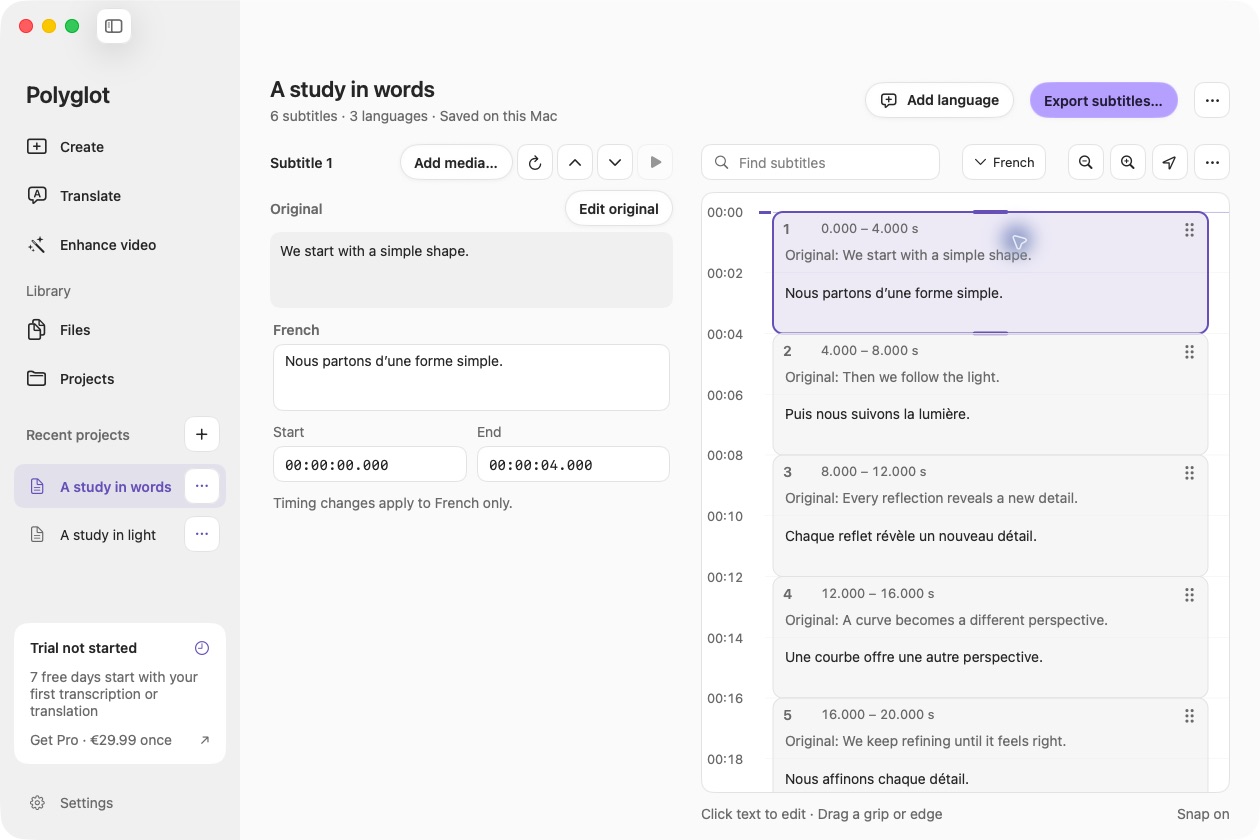
On an Apple Silicon Mac, Polyglot can transcribe a supported recorded language locally or reopen an existing SRT for review. Select the verified audio for transcription. If you already have captions, attach the matching replay for playback and listen around each boundary. Save a separate timed export for each approved audio version. Use the receiving player to check which soundtrack and caption track are paired.
For accessibility captions, include meaningful non-speech audio present in the released mix. For example, if a bell signals the end of the exercise, check whether a visitor listening to this mix can hear it and whether someone reading the captions needs that cue to follow the activity.
Accept the caption and audio pair together
Give the reviewer the intended replay, the caption language and a short list of passages to seek to. Include the self-correction, a stretch where the interpreter pauses and the last spoken instruction. Ask someone who understands the interpreted language to play each passage with sound, then read it again muted. Check the wording, the speaker change where relevant and the moment the text disappears.
If the player offers both audio versions, switch away and back and verify the selected captions again. If the release has one fixed mix, reopen that exact file from the viewer-facing page. Record the replay version, the audio heard, the caption file and any unresolved passage. A reviewer who hears “blue” while reading the French interpretation at eight seconds has identified a pairing problem. Check the selected audio before retiming every cue.
Sources & further reading
Zoom Support · Using language interpretation
Zoom Support · Cloud recording settings
W3C WAI · Captions for audio and video
Published by Polyglot using an AI-assisted editorial workflow. How we prepare and update our guides.
Keep exploring.
Try it on your Mac.
Find the right tools for your words and video, with processing on your Mac.
Download nowApple Silicon · macOS 14.4 or later