 Polyglot
The Polyglot journal
How to extract one SRT subtitle track from an MKV
You have the finished film and a request to correct one French line. The original SRT is missing. If the MKV contains a SubRip track, you can recover the text and its timing without transcribing the film again.
Polyglot 1.11 · Prepared sample project
Check what the film actually contains
Use a local MKV you own or have permission to edit. Keep the delivered movie as your reference and work in a folder with room for a new subtitle file. The commands below use FFmpeg and its companion inspection tool, ffprobe. Run them in Terminal from the folder containing the film. Replace box.mkv with your filename and put quotes around a name that contains spaces.
Start with the inventory below. It asks ffprobe to show only subtitle streams. Each block describes one stream. Read its index, codec_name and any language or title tags together. The index stays relative to the entire input, including the picture and sound. Filtering the display to subtitles does not renumber them.
ffprobe -v error \
  -select_streams s \
  -show_streams box.mkv
Choose a stream by its contents
In our eight-second example, the picture and audio occupy indexes 0 and 1. The two subtitle blocks report subrip at index 2 with the language tag eng and subrip at index 3 with the tag fra. Start with index 3 for the French correction. On your own file, take the number from your inventory. A French title in the player menu alone cannot tell you which stream number to copy.
Look closely at the codec before proceeding. Matroska can carry UTF-8 text, styled text such as ASS, or graphical subtitles such as PGS. The copy command below is for a stream reported as subrip. For styled text, retain the native format if positioning or styling matters. For an image-based track, ask for the original text or plan a separate recognition and proofreading pass. If the inventory is empty, check whether the player picked up a loose subtitle file beside the movie. Words permanently rendered into the picture have no separate stream to extract.
Copy the selected SubRip stream into a new file
This command reads the first input, selects its absolute stream index 3 and writes a sidecar called box-fr.srt. The copy option carries the subtitle packets into the SRT output. The mapping leaves the video, sound and other subtitle language out of that file. The original MKV stays available for comparison.
The -n option stops FFmpeg if the output already exists. This matters after a correction session. Running the original extraction command a second time should never overwrite a file that someone has already edited. Keep the first extraction and save revisions under a different name. If FFmpeg reports that the stream map matches no streams, run the inventory on the exact file named after -i and compare the index again.
ffmpeg -v error -n \
  -i box.mkv -map 0:3 \
  -c:s copy box-fr.srt
Verify the words and both boundaries
Open the recovered SRT as UTF-8 text. In the example the first line reads “Ouvrez la boîte.” and runs from 1.250 to 2.750 seconds. “Gardez la clé.” appears from 5.125 to 7.000 seconds. If the file says “Open the box.”, the extraction produced valid subtitles in the wrong language. Changing the filename to French would leave every cue in English.
For a real project, turn on the selected embedded track in the reference film and find a distinctive line near the beginning, then another near the end. Compare the sidecar’s wording and check where each caption appears and clears. Include a line containing a name, accent or sound description that distinguishes two similar tracks. If the first cue aligns but the later one misses, confirm that both copies of the film are the same edit before moving any cues.
1
00:00:01,250 --> 00:00:02,750
Ouvrez la boîte.

2
00:00:05,125 --> 00:00:07,000
Gardez la clé.
Return an editable sidecar
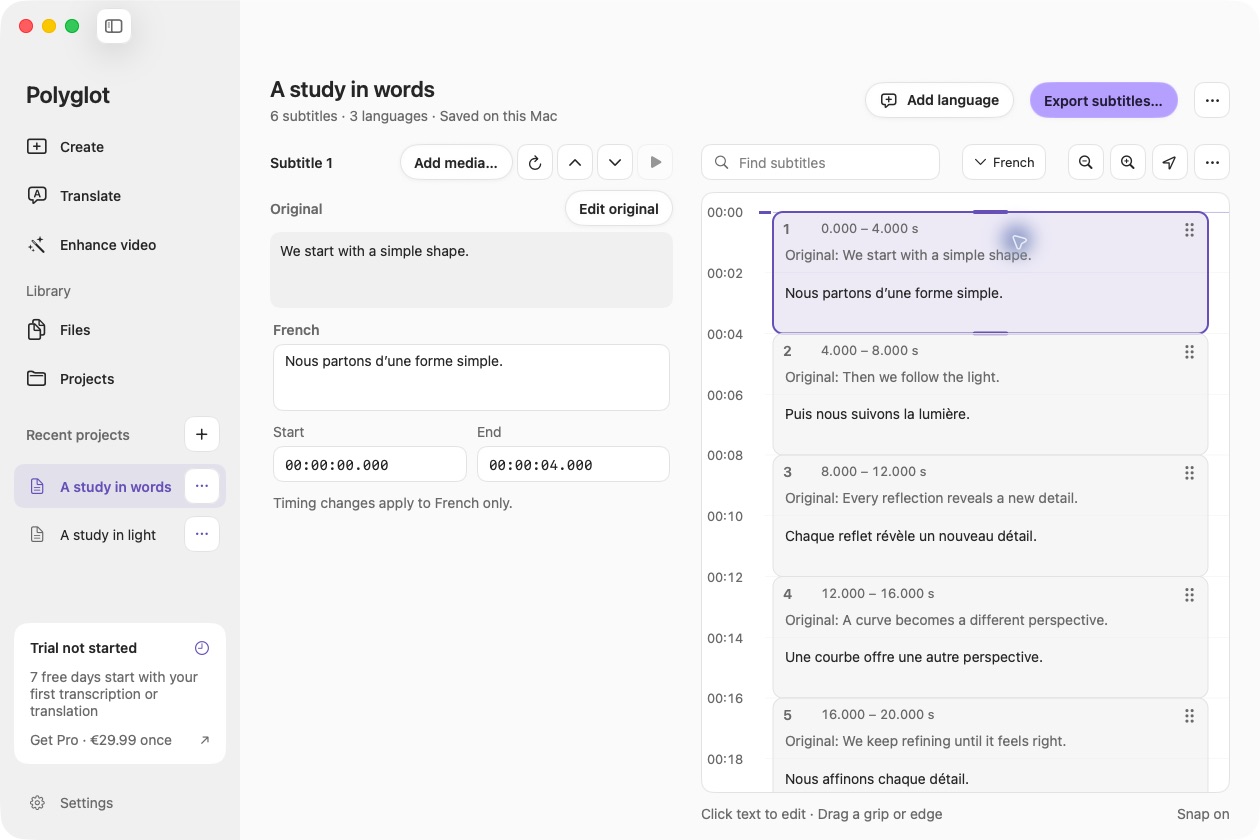
Import the recovered SRT into Polyglot on an Apple Silicon Mac if you need to review or correct its text. Compare the corrected line with the approved wording, export a separately named revision and reopen it to check the saved result. For a one-line spelling correction, compare the cue count and time ranges with the extraction. A spelling change is a poor reason for a caption to appear half a second later.
Hand the editor the revised SRT with the master filename, the source stream index, the verified language and the line you changed. The movie still contains the delivered version. If the recipient needs a replacement MKV, agree on which embedded track to replace before packaging and check the resulting movie with loose subtitle files removed.
Sources & further reading
FFmpeg · Stream selection and mapping
Matroska · Subtitle codec specifications
Published by Polyglot using an AI-assisted editorial workflow. How we prepare and update our guides.
Keep exploring.
Try it on your Mac.
Find the right tools for your words and video, with processing on your Mac.
Download nowApple Silicon · macOS 14.4 or later